
< Back to help home

 < Back to help home
iPad: How to install app to homescreen
This article will help you add the app as an icon to your iPad homescreen. This makes the app quicker and easier to launch and enables it to run full-screen, without browser controls.
Start Safari and go to https://www.acchigginsdiamond.com.au/
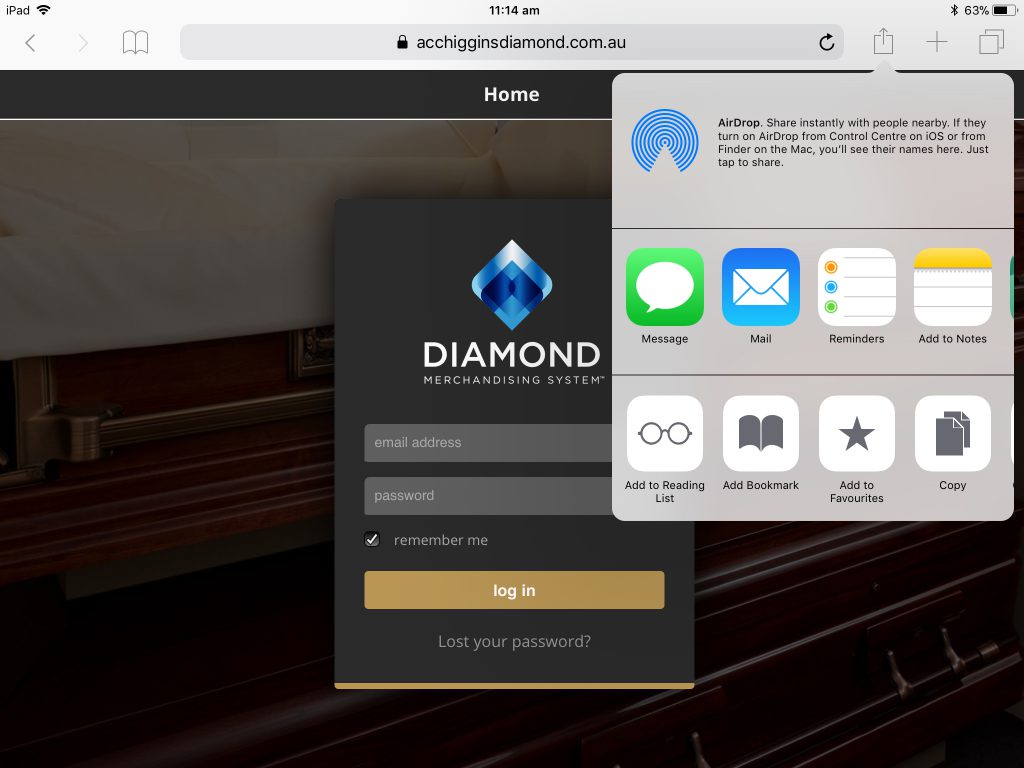
Click the blue up arrow (top-right of screen, 3 from right).
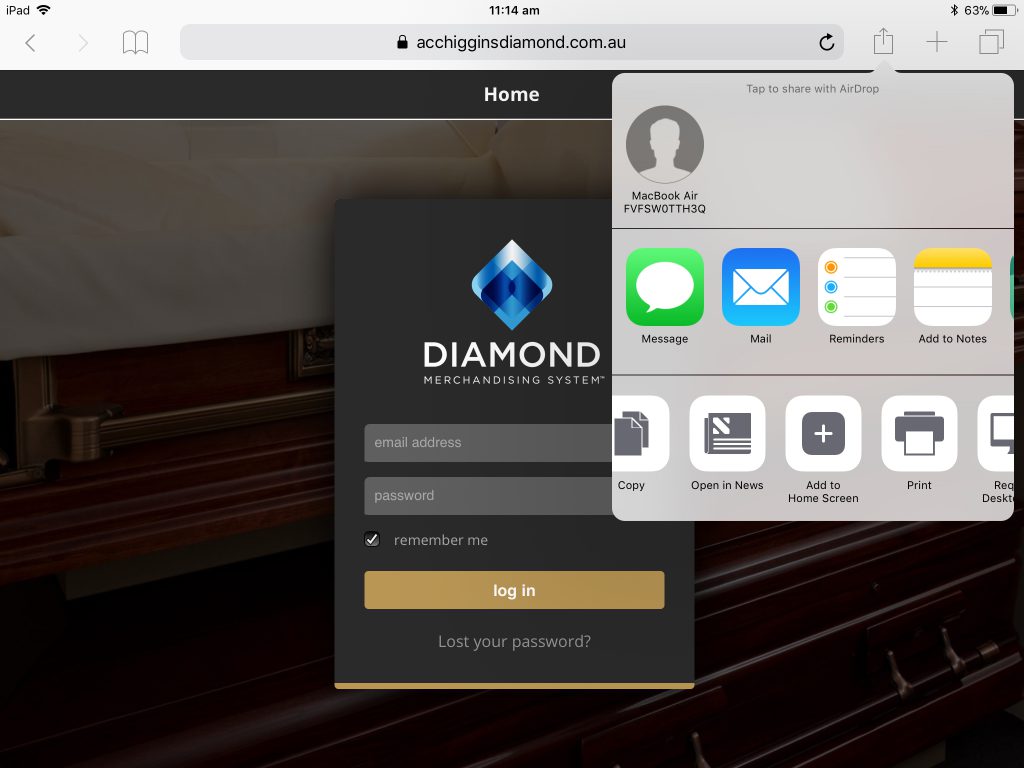
Swipe across on the bottom row of grey icons to find the ‘Add to Home Screen’ button.
Click the ‘Add to Home Screen’ button.
A new panel will popup top-right. Click the blue ‘Add’ button top-right.
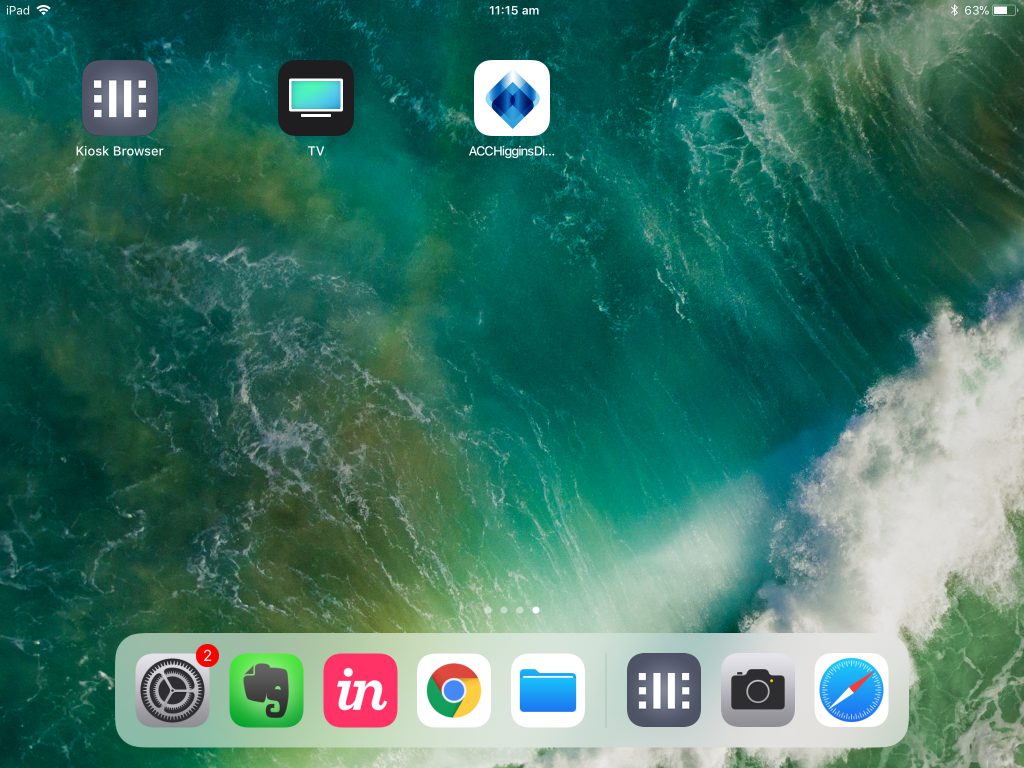
The icon will be added to your iPad’s homescreen.
You can drag this icon to your preferred location as with any iPad app.
Tapping the icon will start the app.
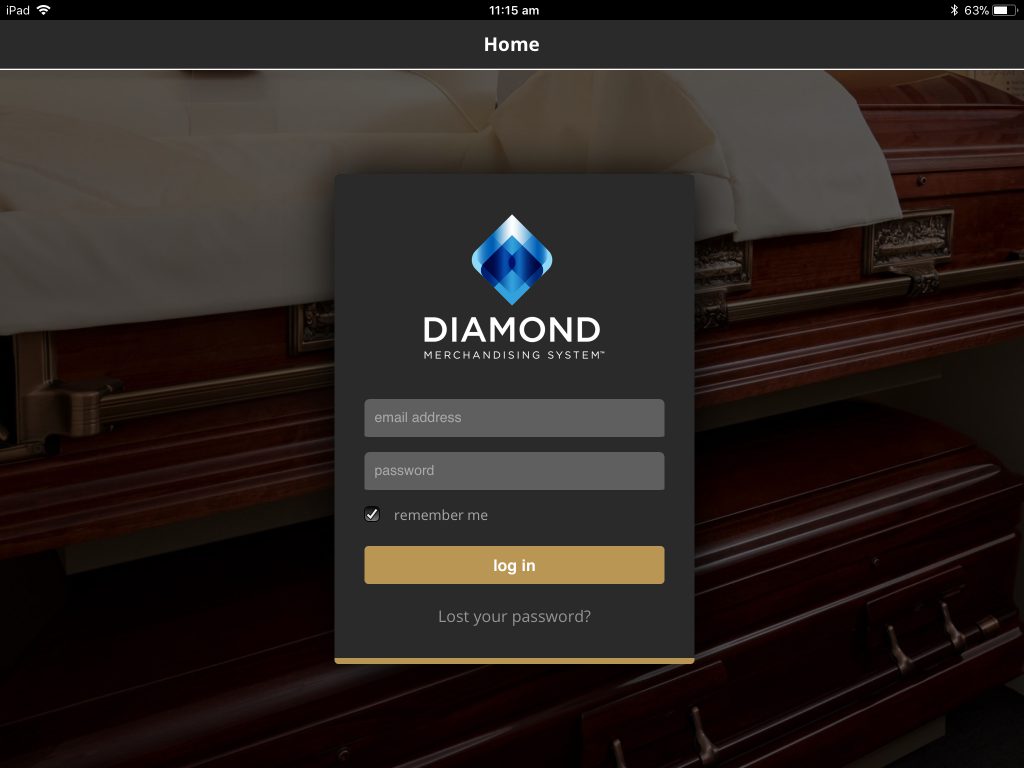
The app will launch in full-screen mode, without the Safari navigation bar etc.