
Resetting your password
This guide will help you reset your password if it’s lost. Your funeral home manager can also reset your password using the Funeral Home Management feature.
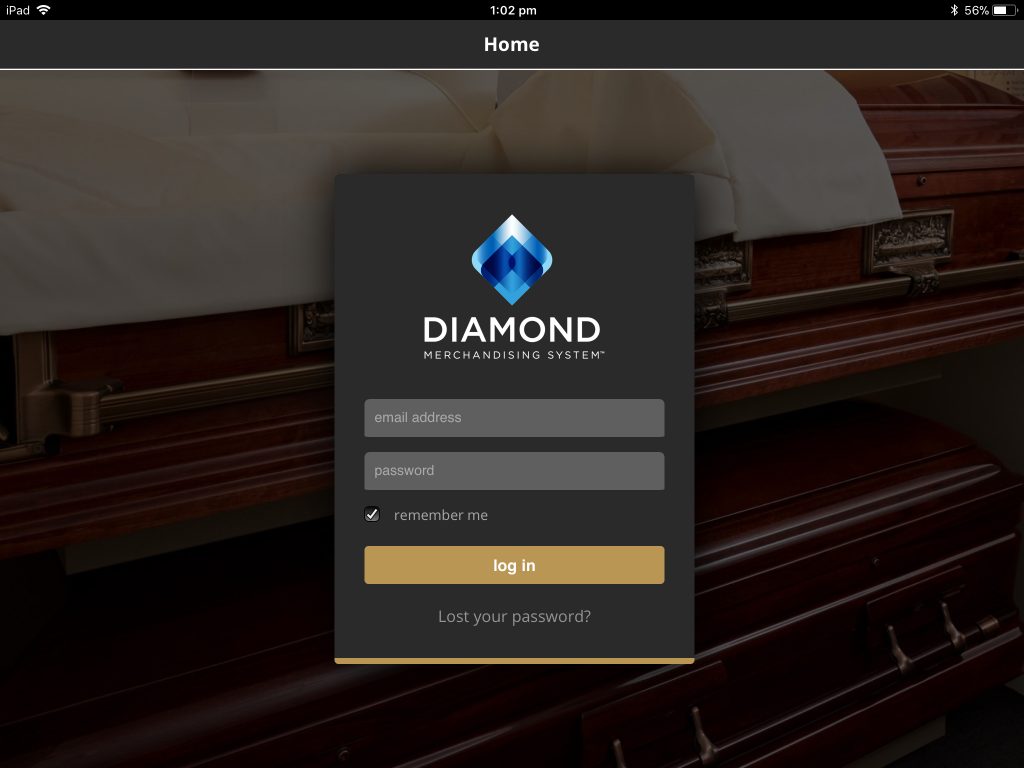
Start the Diamond app (on iPad) or visit the website.
Tap the ‘Lost your password?’ link at the bottom of the login screen.
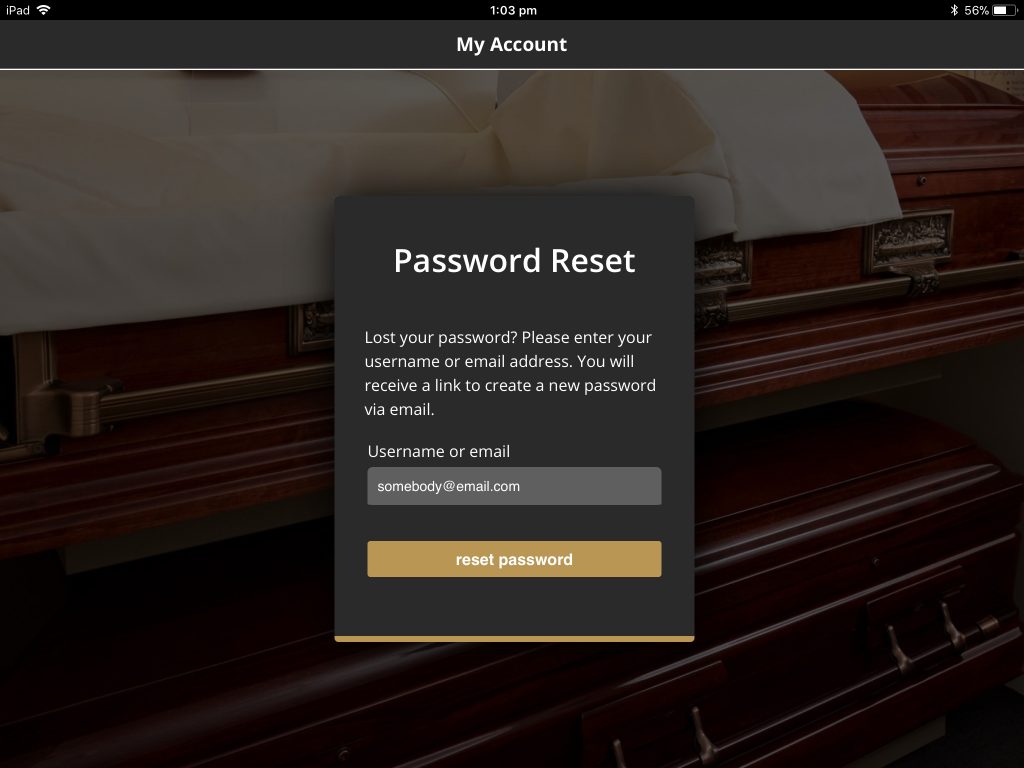
Enter your email address and click ‘reset password’.
You will be sent an email with a link in it.
Click this link to continue.
You may need to wait a couple of minutes for the email to arrive.
Clicking on the link will open up Diamond in a browser window.
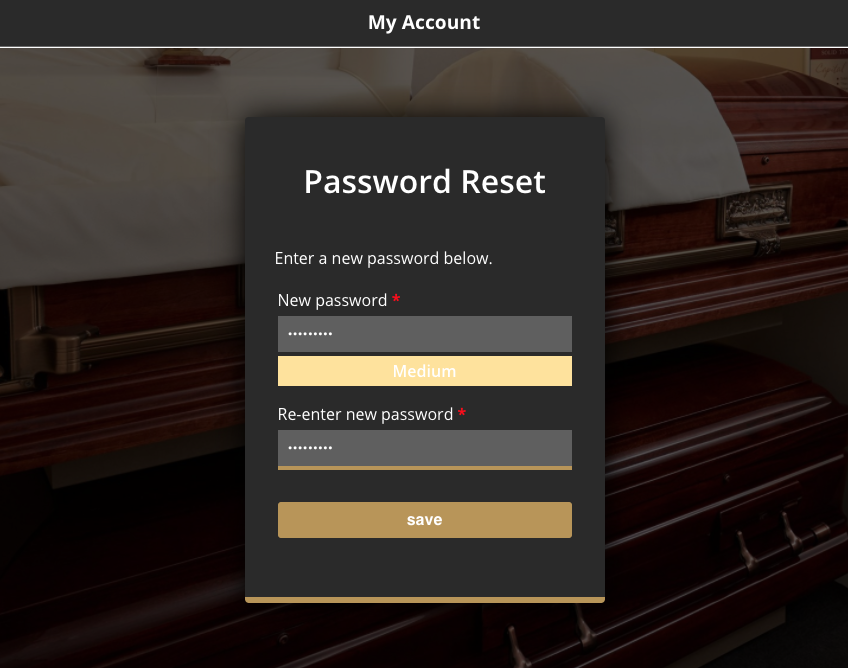
Enter your new password twice and click ‘Save’.
You will be advised to choose a password that meets complexity requirements.
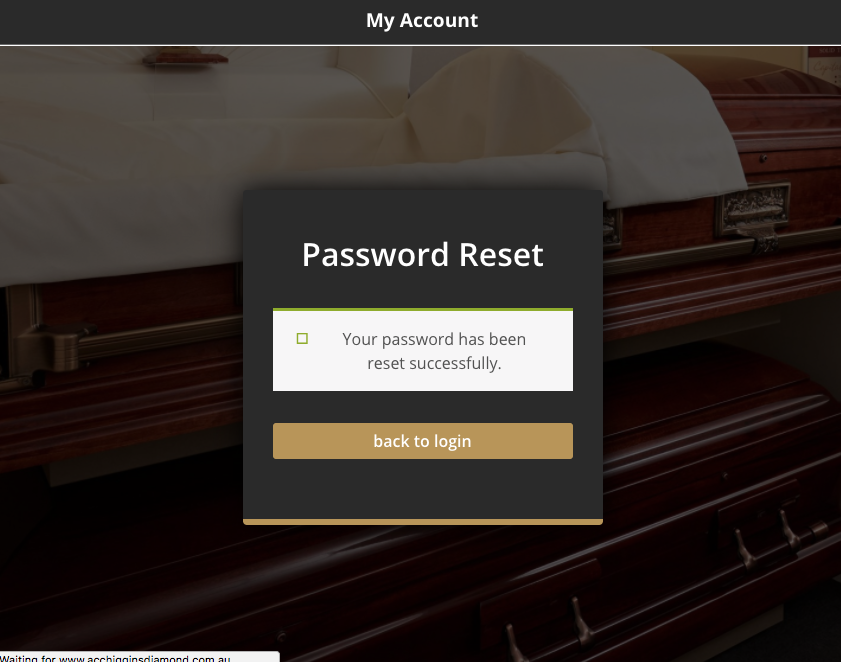
You will see a message indicating your password has been reset.
If you are using a laptop or desktop, just click the ‘back to login’ button to go back to the login screen.
On an iPad, close the browser window and tap the Diamond icon to start the app as normal.
You can now login with your new password.